
Planet Zoo 2 Community, Social Channels, Creators, and Wishlists
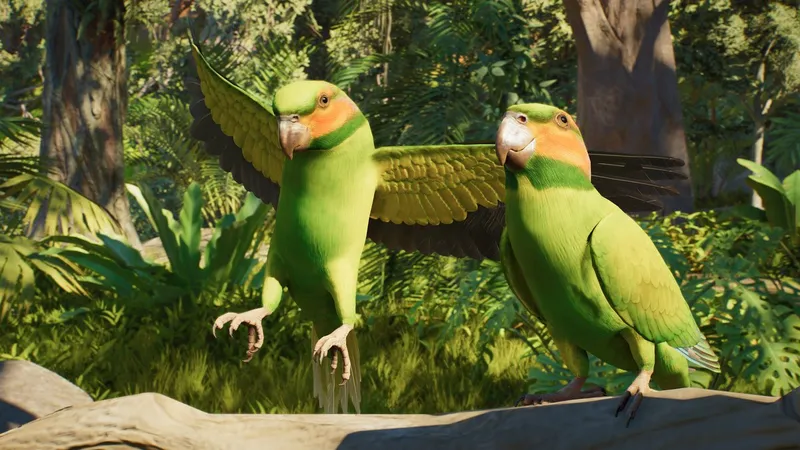
Official Planet Zoo 2 channels
Open Frontier’s Planet Zoo 2 Community page for the official social accounts, Community Creators, challenges, and Twitch Drops. For dated announcements, use News; for trailers and reveals, open the Gallery. Use Reddit and Steam for player discussion, not official announcements.
For email updates, use Frontier’s Planet Zoo 2 newsletter signup. Confirm the destination is on the official Planet Zoo site before entering personal details. Current challenges, Drops, and signup terms can change, so check the official page for live status.
Official creators and influencer enquiries
Open Community Creators on Frontier’s Community page to see featured channels such as Leaf Productions. For creator registration and media enquiries, use Frontier’s Influencer Portal.
Use Frontier’s creator portal for creator or influencer enquiries. Do not use an employee’s personal profile as a Planet Zoo 2 contact unless Frontier lists that person for this purpose.
Reddit, Steam, polls, and wishlist templates
For player discussion, visit the Planet Zoo 2 Steam Community Hub or r/PlanetZoo. Reddit and the older Frontier forum also host animal wishlists, poll-like threads, bingo cards, and player-made tier-list templates. For example, the Frontier Forums animal-wishlist thread is a discussion, not a Frontier roadmap. Treat votes, tiers, and bingo squares as community preferences rather than evidence that a species or feature is planned.
Search results for an “official Planet Zoo 2 survey” also surfaced older Planet Zoo survey posts and reposts. Check the survey link’s owner, date, and game title before responding; an old survey or Reddit post does not prove that a current Planet Zoo 2 survey is open. This review did not verify a currently open official PZ2 survey.
How to check a silhouette, cipher, or live event
If a Reddit post claims a screenshot silhouette or cipher reveals an animal, compare it with the exact dated item in Frontier’s official Gallery or News page. Community guesses can be useful discussion, but they are not roster confirmation. No official source reviewed here verified a current “Week 11” silhouette clue or a Planet Zoo 2 Reddit cipher link.
For livestreams, start from the official YouTube channel and the Community page’s Twitch information. A search result labelled “live” can be an old replay, a creator stream, or an unrelated Planet Zoo broadcast; verify the account and date. Achievement spoiler threads are player help, not official instructions, and may reveal unlock conditions.
- 01
Identify the channel
Confirm whether it is an official Frontier channel or a player community.
- 02
Check the date and source
Open the original post before relying on a repost or screenshot.
- 03
Verify the claim
Look for confirmation in current official news when the detail affects the game.
Related guides
Sources
- [1]Planet Zoo 2 Community — Frontier Developments
Official hub for social accounts, Community Creators, Community Challenges, Twitch Drops, and the Influencer Portal.
- [2]Planet Zoo 2 News — Frontier Developments
Official dated announcements and news index.
- [3]Planet Zoo 2 Gallery — Frontier Developments
Official trailers, reveals, and gallery material to check against teaser interpretations.
- [4]Planet Zoo 2 newsletter — Frontier Developments
Official signup destination; submission and preferences are handled by Frontier.
- [5]Planet Zoo 2 Steam Community Hub — Steam Community
Game-specific discussions, guides, announcements, and player posts.
- [6]r/PlanetZoo — Reddit community
Player-run discussion covering Planet Zoo games; not an official Frontier support channel.
- [7]Planet Zoo 2 official YouTube channel — Frontier Developments
Official channel linked from the Community page.
- [8]Planet Zoo 2 official Instagram — Frontier Developments
Official account linked from the Community page.
- [9]Planet Zoo 2 Animal Wishlist — Frontier Forums community
Player discussion; wishlist entries are not announced features.
Was this helpful?
Thanks for the feedback!